LiquidLavaWallpaperPack
A set of 12 original wallpapers for desktop and mobile, inspired by flowing lava.
From brand identity to wallpapers
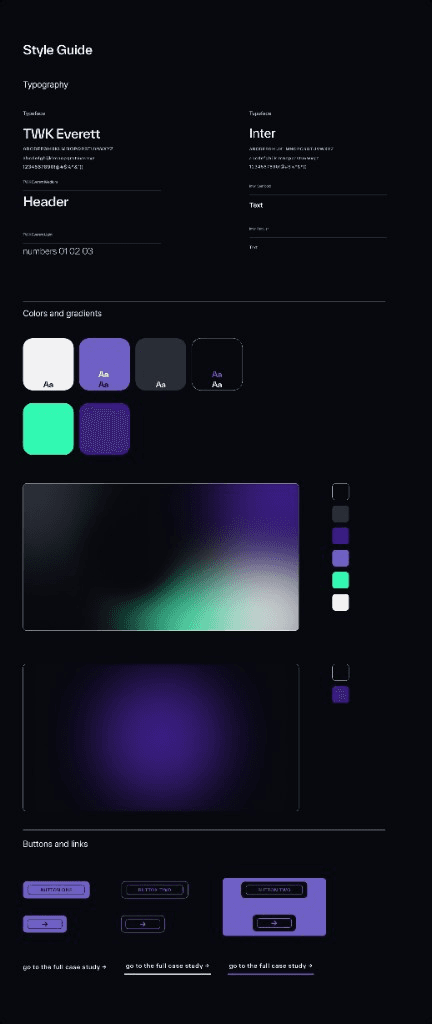
Liquid Lava began as part of the visual identity for mjankowski.expert. The flowing gradients have been at the heart of the brand from day one, and they still animate the hero of my portfolio.
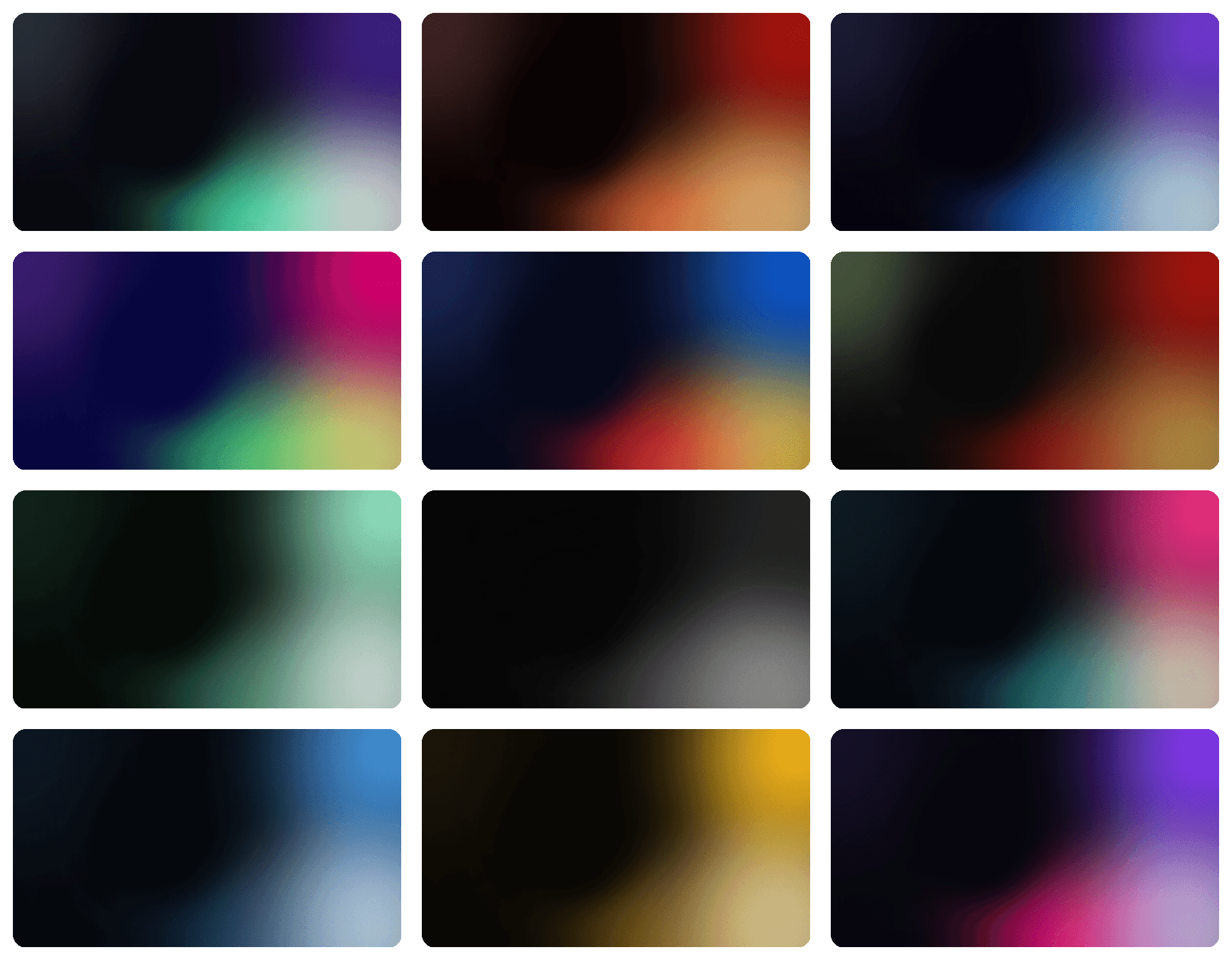
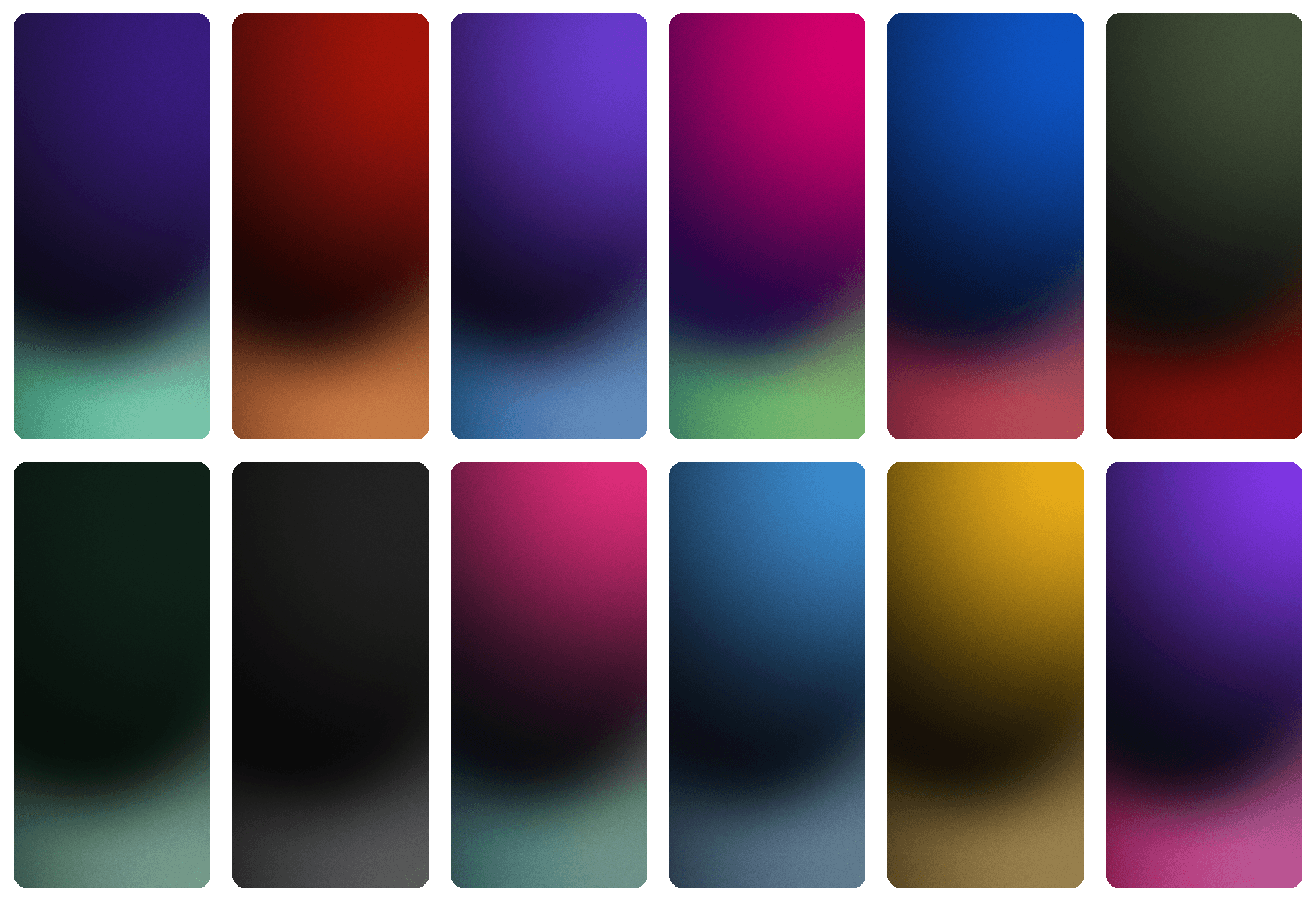
Over time, I expanded the concept into 12 colorways, each with its own name, mood and meaning. They range from the cool tones of Arctic and the subdued mood of Mourning to the energy of Drive. You are not just choosing a color. You are choosing the atmosphere you want to work in every day.
What you get
- 12 original colorways, each with its own name and mood
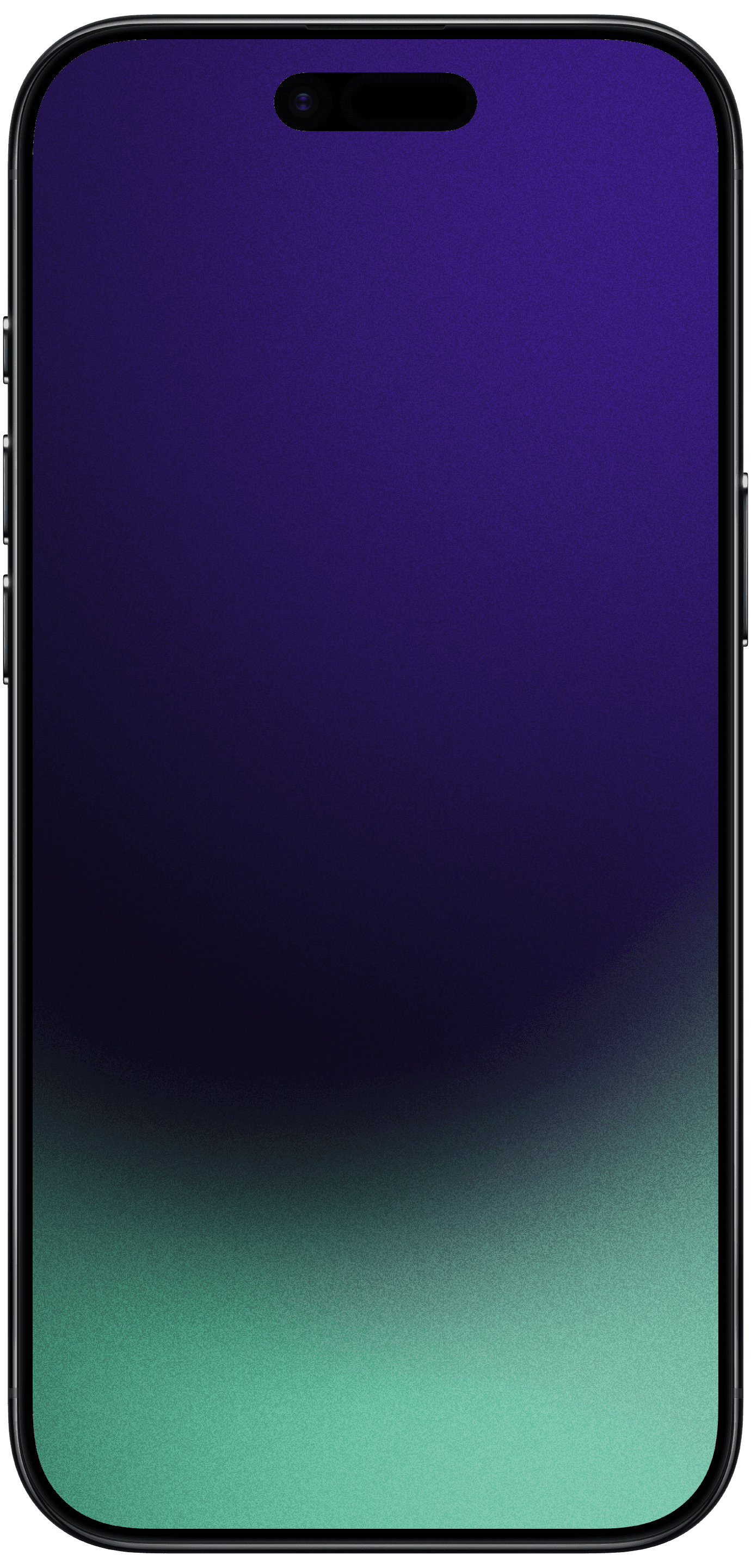
- 24 PNG files: 6016×3384 for desktop and 1320×2868 for mobile
- Subtle film grain keeps gradients smooth, even on OLED displays
- Dark colorways keep icons readable and screen glare low
- All future colorways included at no extra cost with pack updates
Colorways
- Colorways
- 12 original gradients
- Files
- 24 PNG wallpapers
- Desktop
- 6016×3384 px
- Mobile
- 1320×2868 px
Inside the pack
- 12 desktop wallpapers at 6016×3384 px
- 12 mobile wallpapers at 1320×2868 px
- PNG files with subtle film grain
- Organized into separate Desktop and Mobile folders
- Lifetime access to all pack updates
Colorways
Liquid Lava · Magma · Dark Space · Rainbow of Tolerance · Solidarity · Mourning · Fresh Mint · Mono Rocks · Drive · Arctic · Amber Noir · Velvet
FAQ
Which devices are the wallpapers compatible with?
The PNG files work with macOS and Windows computers, as well as iPhone and Android devices. The pack includes dedicated desktop wallpapers at 6016×3384 px and mobile wallpapers at 1320×2868 px. Devices with different aspect ratios may crop the edges slightly, but the high resolution keeps every image sharp.
How do I set a wallpaper on my device?
Start by choosing a file from the Desktop or Mobile folder. On macOS, open System Settings, then Wallpaper. On Windows, go to Settings, Personalization, then Background. On iPhone or Android, choose the image through wallpaper settings or your photo gallery. If your device offers fit options, select one that fills the screen.
Why are the files larger than standard wallpapers?
The desktop files are full 6K PNGs. Each wallpaper also includes subtle film grain, which helps prevent color banding in smooth gradients. The result stays sharp, with clean tonal transitions, even on large monitors and OLED displays.
Can I use the wallpapers at work or in commercial projects?
Your purchase includes a personal-use license. You may set the wallpapers on your own computers and phones, including devices you use for work. You may not share or resell the files, offer them as downloads, or include them in products, templates or client deliverables.
Will the pack receive future updates?
Yes. Any new colorways added to this pack will be available to existing customers at no extra cost. One purchase includes the current 12 colorways and all future additions to this pack.